Enter a name,
and the whole room plays.
Fill in the questions and explanations. Players answer on their phones, the screen shows the answer and why, and the results come at the end.
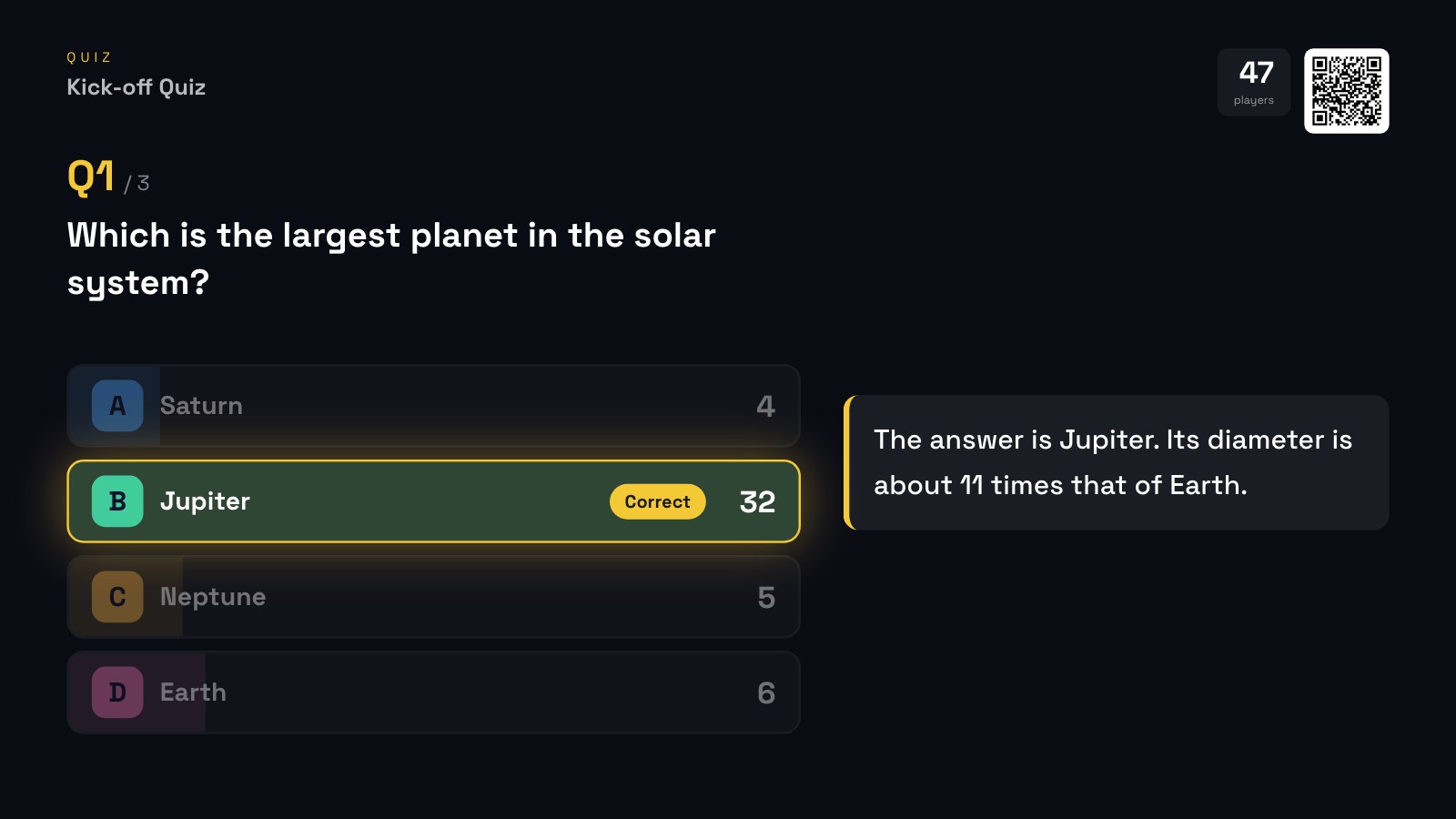
Players enter a name and tap.
Scanning the QR code and entering a name is all it takes to join. When a question opens, players tap a choice. At the reveal, their phone shows whether they were right, along with the explanation.
- Names can be up to 20 characters, and a nickname is fine
- One answer per question. Set no time limit, or 10 to 60 seconds
- Afterwards, players can review every answer and explanation on their phone
- Available in English, Japanese, Spanish, Korean and Traditional Chinese
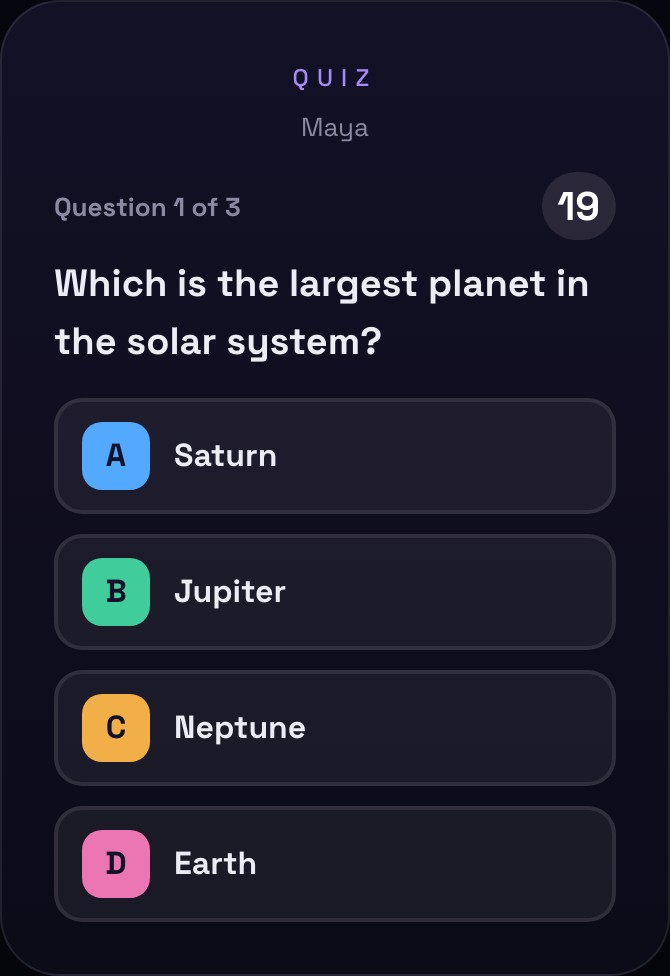
Questions and explanations follow one template.
Question, choices (two to four), correct answer, explanation and an optional photo. The question screen and the reveal screen are built from them in the same layout.
The icebreaker set is ready to run as it is. The organisation quiz and the training check are starters: replace the parts in [ ].
Wrote the questions in Excel or Google Sheets? Paste the rows in. You can also save your questions as a CSV file.
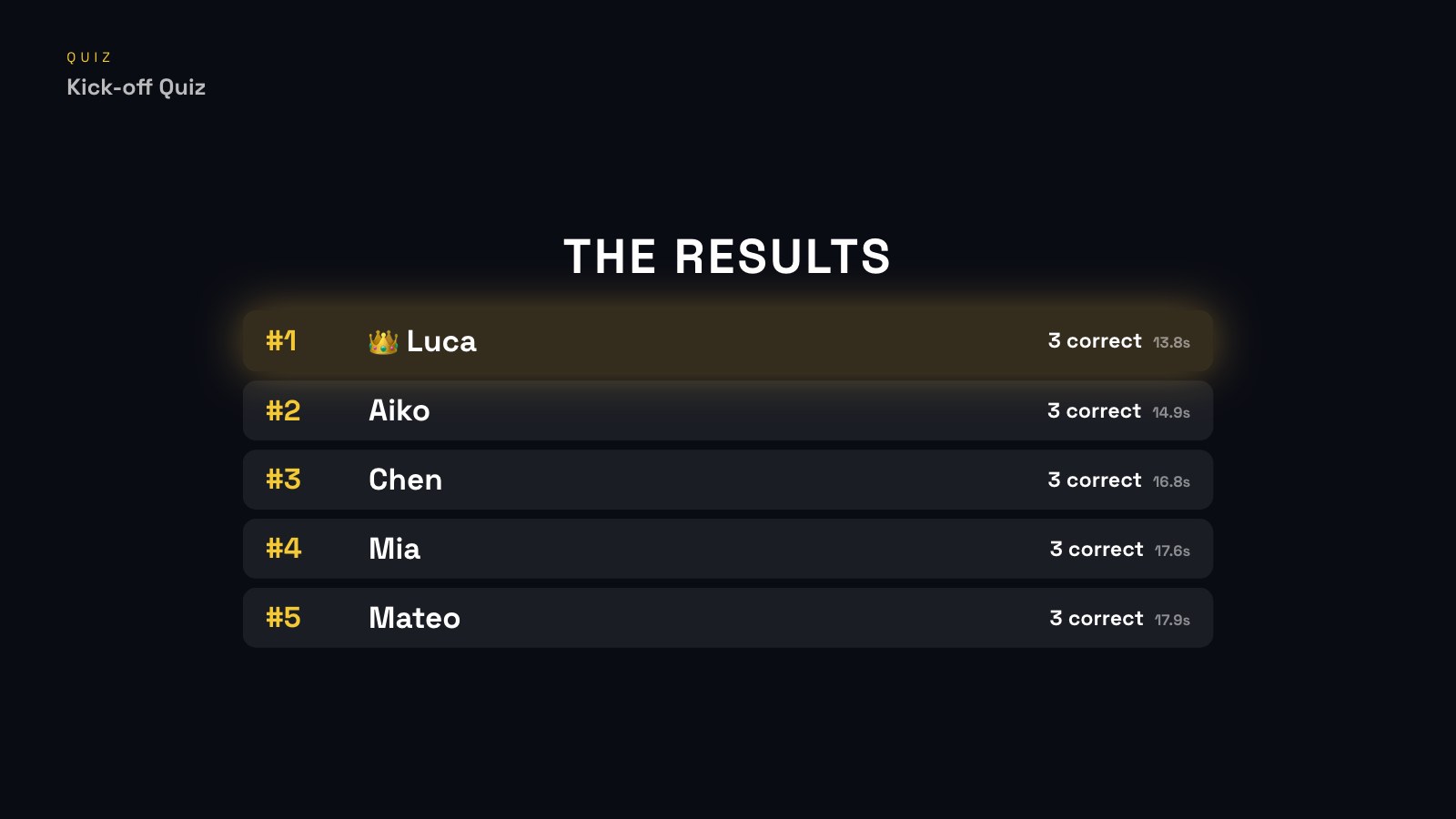
The host decides whether to show the leaderboard.
For a lively event, put the top names on screen. For a training session where names should stay private, finish without showing a ranking. It is one switch in the dashboard, and you can change it even after the results are up.
- Ranked by correct answers; ties go to the shorter total time on correct answers
- Show the top 3, 5, 10 or 20
- The host can download everyone's scores as CSV
Where it fits
Ask the key points one at a time after a session. You see how many chose each answer, so you know what did not land.
The founding year, the first office, the headcount today. Turn the organisation itself into the quiz and everyone shares one topic.
Questions about the guest of honour, with a photo. Each reveal puts the explanation and the photo on screen.
Three steps.
What each setting shows
The same price covers the word cloud, polls, Q&A and brainstorming
Back to ZENIN →